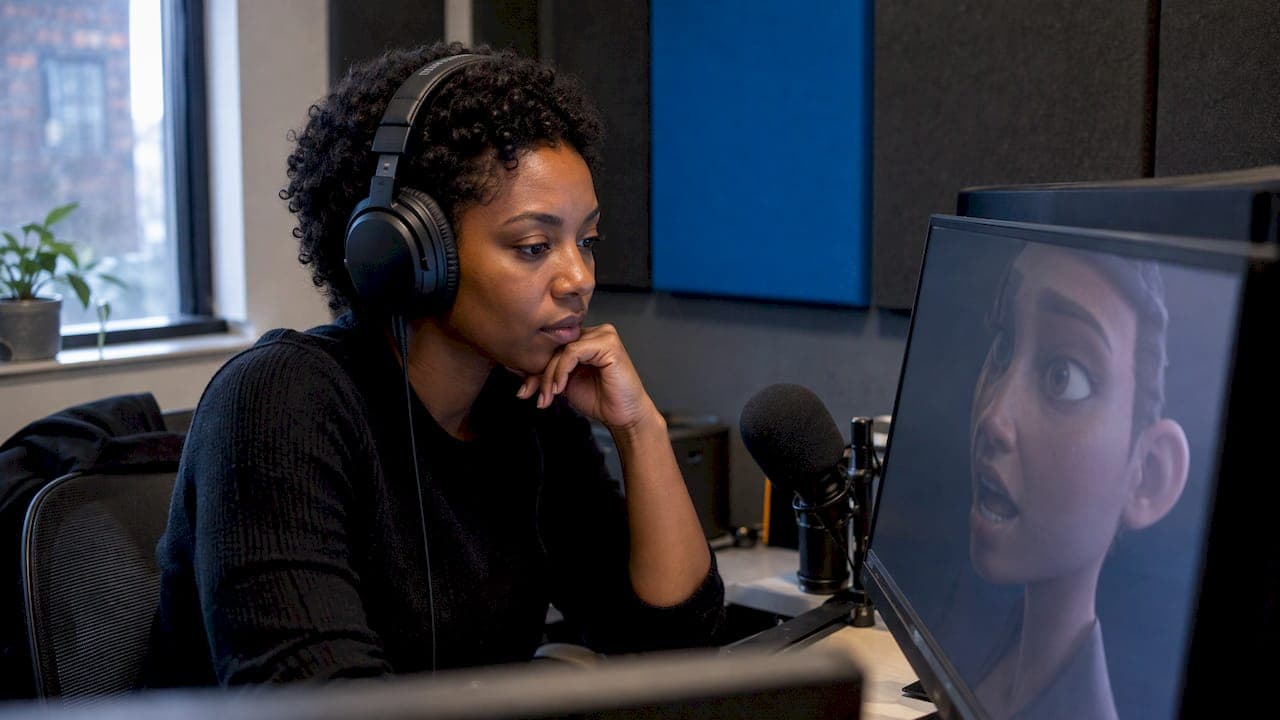
Face animation from audio means a model listens to a voice recording and drives a face to match it: mouth shapes, jaw, cheeks, brows and often head movement. You give it speech or a sung vocal and a character, and it returns moving footage or animation data. There are two practical routes. One produces 3D blendshape data for a rigged character you finish in a 3D package. The other produces finished video of a character, singer or avatar, with no rig involved. This guide covers how both work, what you need, and how to get results that look natural.
TL;DR
- Audio-driven facial animation uses deep learning to turn speech or singing into synchronized lip movement and expression, per a 2024 academic survey.
- The pipeline is the same everywhere: extract features from the audio, generate the facial motion, then edit what the model got wrong.
- Clean, dry, single-voice audio is the biggest lever on quality. Fix timing and noise before you generate.
- Choose 3D blendshape output if you have a rigged character and a pipeline. Choose AI video if you want a finished clip fast.
- With Brix36 you can take a vocal to lip-synced video using prepaid credits, not a subscription.
Table of Contents
- What audio-driven facial animation actually does
- How the pipeline works
- What you need before you start
- Clean up the audio first
- Route one: 3D blendshapes for a rigged character
- Route two: AI video from a vocal
- Making lip sync accurate and expressions natural
- What to expect when you clean up
- How we approach it at Brix36
- Start with your own vocal
- Choosing between the two routes
- FAQ
- Sources
What audio-driven facial animation actually does
Audio-driven facial animation is a technique that uses deep learning to generate facial expressions and lip movements synchronized with an audio input. The survey by Jiang et al. describes it as a way to build realistic digital characters, avatars and virtual humans for virtual reality, gaming and human-computer interaction. The same survey notes that newer techniques such as Transformers and diffusion models have made the output more fluid and more emotionally rich than earlier systems.
For a creator, that translates into a few common jobs:
- A talking character for an explainer, ad or social clip.
- A singer or virtual artist performing a track in a music video.
- Dialogue for an animated short, where the voice track exists before the picture.
- Game or film characters whose lines are recorded first and animated after.
The word "animation" covers two different deliverables, and picking the right one up front saves hours. Either you want data (curves that move a 3D face you already own), or you want pixels (a finished video in which a face moves). Everything below flags which route a step applies to.
How the pipeline works
The survey breaks the general pipeline into three stages: audio feature extraction, facial animation generation and optional editing. It treats feature extraction as the foundation, where the system analyzes things like frequency, power spectrum and emotional cues so it can map speech to visual movement.
In plain terms:
- Listen. The model breaks the recording into short slices and works out which sounds, such as "oo", "mm" or "f", occur and how loud and tense the voice is.
- Move. It predicts mouth shapes and, depending on the model, brow, eye, cheek and head motion for each slice.
- Refine. You review the result, correct mismatches and adjust how strong the performance is.
That third stage is where most of the quality comes from. Treat the first generation as a strong draft, not a finished take.
What you need before you start
You need two assets: a voice recording and a face to animate. The details differ by route.
The audio
- A dry vocal or voice-over. Room echo, background music and other speakers all make the model's job harder. One voice per file is the safest rule.
- Consistent level. Heavy clipping or very quiet passages cause missed syllables.
- A sensible format. WAV or a high-bitrate MP3 is fine for most tools. Check the tool's upload limits for length.
- The words, when the tool accepts them. Some lip-sync tools let you supply lyrics or a transcript, which helps with fast or mumbled delivery.
Production teams distinguish between studio and live input. In an interview reported by 80 Level, Speech Graphics describes how clean studio recordings reduce noise problems, while live microphone workflows must cope with environmental sound, music, other voices and synchronization. If you record in a studio or a quiet room, you are in the easy case. Keep it that way.
The face
- 3D route: a character with a facial rig, usually blendshapes (also called morph targets), plus its original textures.
- Video route: a reference image or a defined character look. A clear, front-facing, evenly lit face with the mouth closed or neutral tends to animate best.
Clean up the audio first
Two audio problems cause most bad lip sync: timing drift and muddy sound.
If you are working with a sung vocal that has been stacked or comped, tight timing matters because the model follows the loudest, clearest layer. A producer's guide to how to time-align vocals explains how to check phrases against the beat so the performance you animate is the one you hear.

For tonal cleanup, balanced levels and a consistent loudness, an overview of AI audio mastering shows what automated processing can do for a finished track. Do this before generating, not after, so the face is driven by the version your audience will hear. If you change the audio later, regenerate.
A quick pre-flight checklist:
- Solo the vocal and listen on headphones for breaths, clicks and room tone.
- Trim silence at the start so the face does not twitch before the first word.
- Remove or lower backing music if the tool accepts a separate vocal stem.
- Keep the exported file at the final edit timing, so you do not need to slide the animation later.
Route one: 3D blendshapes for a rigged character
If you work in a 3D pipeline, the common approach generates blendshape weights over time from the voice track. As CG Channel reported in 2022, one widely used tool can transfer 46 facial blendshapes to a custom head by matching correspondence points between equivalent facial features, and the process preserves UVs so the original facial textures can be reused.
The typical sequence:
- Import or prepare your character head.
- Map the head's facial features to the tool's reference face.
- Load the audio and generate the animation.
- Set emotion and intensity, if the tool allows it.
- Export the blendshapes. The same report says you can export them in USD format and then edit individual shapes in a DCC application.
NVIDIA's own product page adds that the tool can infer emotion from the audio clip or let you pick an emotional range and intensity, and that it supports blendshape export for Blender and Unreal Engine through connectors. Features change between versions, so check the current documentation before you build a pipeline around one.
This route gives you maximum control and a result that lives inside your scene, with your lighting, camera and rendering. It also demands a rigged character and some 3D skill.
Route two: AI video from a vocal
If you do not have a rig, or you want a finished clip rather than animation data, you generate video directly. You provide a face or character and a vocal, and the system renders the performance for you. This is the route most artists, marketers and small studios take, because there is no rigging, no export, no render farm.
Here is a workflow that works for a music video or a spoken ad:
- Prepare the vocal using the checklist above.
- Define the character. Decide who is performing: a real artist's look, an invented character or a brand mascot. Consistency across shots matters more than any single frame.
- Break the track into sections. Verse, chorus and bridge call for different framing and energy. Planning by section keeps close-ups on the lines that matter. Our guide to AI storyboarding from script to animatic walks through that planning step.
- Generate the lip-synced performance.
- Review at full speed with sound on. Lip sync that looks right paused can feel wrong in motion. Flag the phrases that drift.
- Regenerate or trim the weak sections rather than the whole piece.
- Assemble and export. Add cutaways, motion graphics and titles around the performance.
For background on how the technique behaves and where it breaks, see our explainer on lip sync animation and how to do it with AI. If you are connecting several tools in one project, our notes on an AI video workflow for creators cover how to hand files between steps without rebuilding.
Making lip sync accurate and expressions natural
Accuracy and naturalness are separate problems. The mouth can hit every syllable and the face can still look dead.
For accuracy:
- Use the cleanest vocal you have, and one speaker at a time.
- Prefer clear enunciation in the source. Mumbled or heavily processed vocals, such as heavy pitch correction or distortion, confuse the model.
- Check the first and last words of every phrase. Errors cluster at starts and stops.
- Keep clips to a manageable length. Generating a verse at a time makes fixes cheaper than regenerating a full song.
For natural expression:
- Match emotion to the line. A tender lyric with a wide, intense grin reads as wrong even if the sync is perfect.
- Vary the shot. Cut between a close-up of the mouth, a wider shot and a reaction or B-roll. Cutting away also hides small sync misses.
- Add secondary motion: blinks, small head turns, breaths between phrases. A face that only moves its mouth looks like a puppet.
- Dial intensity down before you dial it up. Subtle performances survive close-ups.
- Keep lighting consistent. Sudden changes in light make the face look pasted on.
What to expect when you clean up
Plan on a review pass every time. Typical fixes:
| Problem | Likely cause | Fix |
|---|---|---|
| Mouth moves on silence | Breaths, noise or music in the audio | Clean or trim the vocal, regenerate |
| Drift late in a long clip | Timing changed after generation, or clip too long | Generate in shorter sections |
| Flat, robotic face | Low expression setting or neutral audio delivery | Raise emotion slightly, add blinks and head motion |
| Wrong mouth on fast lyrics | Dense syllables, unclear diction | Supply lyrics if allowed, slow the cut, use a close-up elsewhere |
| Teeth or lips look odd | Source image angle or occlusion | Use a front-facing reference with a neutral mouth |
On the 3D route, cleanup also means editing blendshape curves in your 3D package. On the video route, cleanup usually means regenerating a section and cutting around anything that stays imperfect.
How we approach it at Brix36
We built Brix36 for people who have a song, a script or an idea and no time to learn a production pipeline. Face animation from audio is one of the clearest examples of why.
Our view is that the best result comes from treating the voice as the backbone of the project. That is why our AI lip sync music videos are designed to follow your lyrics, and why we plan the video in sections, so each verse and chorus gets the framing it deserves. One-tap looks let you set the visual style without technical skills.
We also think consistency is the hard part of any series. Artist DNA is our way to keep an artist's or character's identity steady from one clip to the next.
And we think you should pay for what you make. Brix36 runs on pay-as-you-go credits, not a subscription, so a quiet month costs you nothing extra.
simeon
Start with your own vocal
If you want a finished lip-synced performance rather than a 3D data file, you can take a vocal from upload to video in Brix36. Build the clip section by section, choose a look with one tap, and buy only the credits you need. For a song, start with our AI lip sync music video tool, or follow the step-by-step guide on how to make an AI music video from your song.

If you are also weighing the budget, our breakdown of what AI video costs shows how to estimate a project before you spend.
Choosing between the two routes
A short decision guide:
- You have a rigged 3D character and a render pipeline: use blendshape generation and finish in your 3D package.
- You need a finished clip for a release, an ad or social: use AI video from the vocal.
- You are making a short story with dialogue: plan scenes first, generate speaking shots, then edit. Our guides to text to video animation and AI short films cover the structure.
- You need your own logo or mascot to speak: start with a still design, then animate it. Our logo animation guide shows the first moves.
Whichever route you pick, the order is the same: clean audio, a clear character, short generations, a review pass, then assembly.
FAQ
Can I make a face animation from audio with no animation experience?
Yes, if you use a video-based tool rather than a 3D pipeline. You upload the audio, supply or choose a face, generate, and review. The skill that matters most is listening critically to your own recording and cutting around weak moments.
What kind of audio works best?
A dry, single-voice recording with no music or room echo. Studio-quality input avoids the noise and synchronization problems that live microphone workflows have to handle. Trim silence and check levels before you generate.
Does it work for singing as well as speech?
It can, and a clean vocal stem gives the best chance. Sung vocals have held vowels, fast phrasing and effects, so supplying lyrics where a tool allows it, and generating section by section, helps. Our lip sync music video tool is built around following your lyrics.
How do I use the animation in a film or video project?
On the 3D route, export the blendshape data, such as in USD format, and refine individual shapes in your 3D software before rendering. On the video route, export the generated clip and edit it like any other footage, adding cutaways, titles and sound.
Why does the mouth look slightly off even when the sync is right?
Usually it is expression, not timing. Check that the emotion fits the line, add blinks and small head movement, and cut to another angle on difficult words. Lowering the intensity often makes a performance read as more real.
Sources
- Audio-Driven Facial Animation with Deep Learning: A Survey (MDPI, 2024)
- Omniverse Audio2Face now generates facial blendshapes (CG Channel, 2022)
- Understanding Real-Time Facial Animation (80 Level, 2023)
- Omniverse Audio2Face AI Powered Application (NVIDIA)